
The point of sale your team learns in an afternoon.
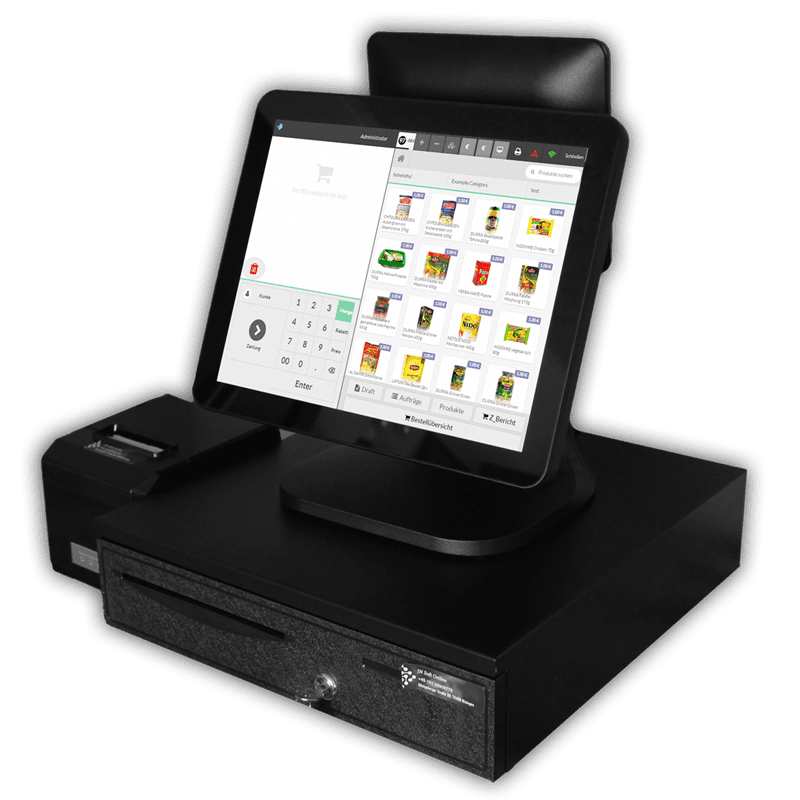
InSoft POS on Windows, a modern, elegantly simple till that non-technical staff pick up from basic training. Products under categories, a number pad, one-touch reports and cash management, all on one screen.
The setup, device by device
Closing the sale at the counter
Tap any marked device to see what it does and where it lives in the system.
Windows till
Dine-in, takeaway and delivery on one screen: number pad and cart on one side, categories and products on the other.
View the Windows POSReceipt printer
Customer receipt with a clean 19% and 7% MwSt breakdown, plus the kitchen ticket, from the same sale.
Hardware & add-onsTakeaway flow
Takeaway or dine-in in one tap, with an order number for the customer and a recall list for reprints.
Small & takeaway tierThe interface
One screen, every control where you expect it
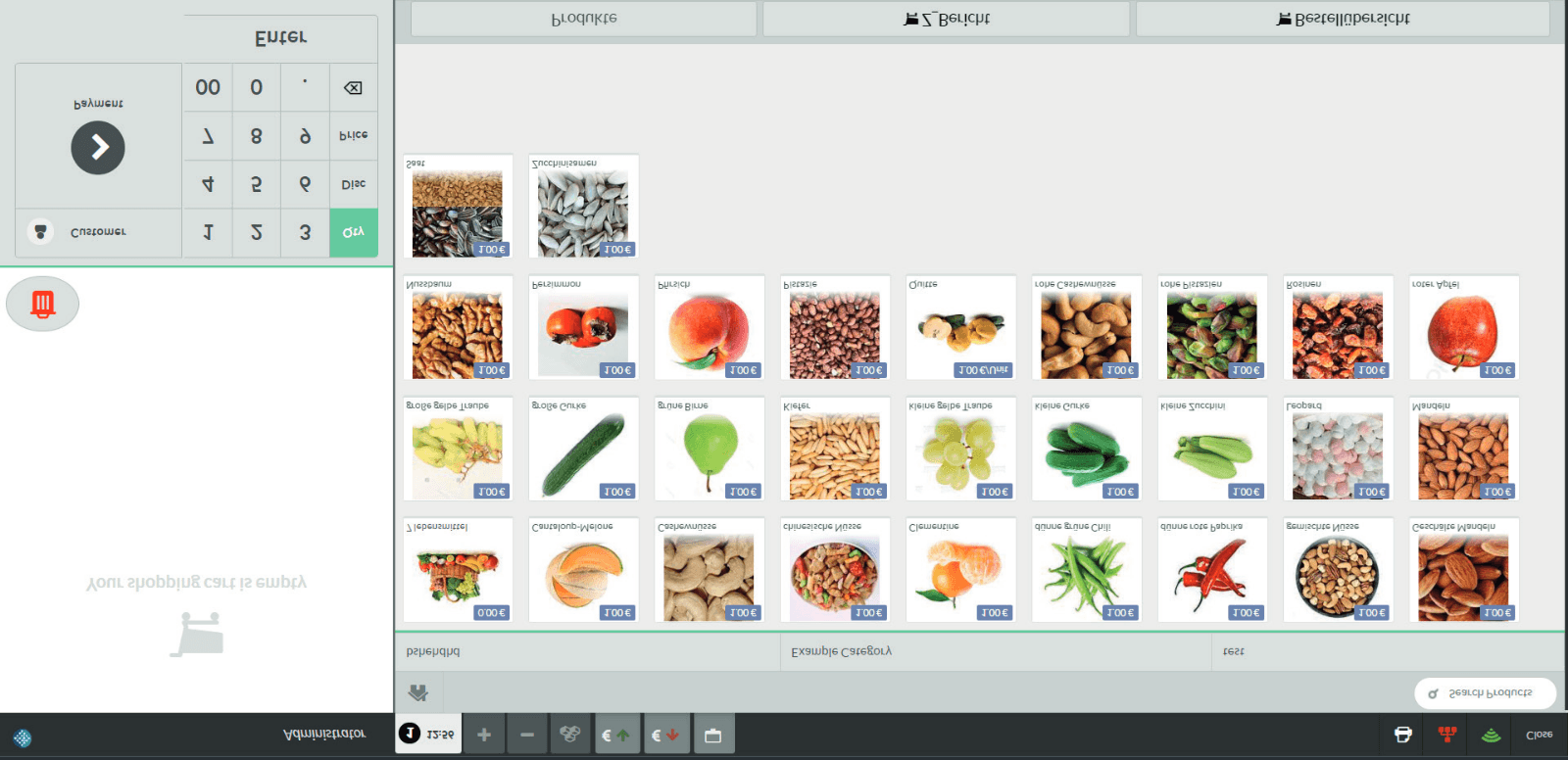
The layout is designed to be elegant and simple, so a cashier can run any operation without hunting. Four zones do the work.
Products by category, right
Photo tiles grouped under category tabs, so items are one tap away.
Number pad & cart, left
Quantity, price, discount and customer, next to the running order.
Reports & product edit, bottom
Sales report, Z-report and product modification sit along the base.
Cash management, black top bar
Cash in / out and session controls stay in the dark bar up top.
Bestellbericht
Every sales report, from one button
Open the sales report and pick exactly the type and format you need, by day, by tax, by product, or a custom date range. The top option sets the period; the rest choose the report.
- 1Current-day report, laid out differently
- 2Sales report by tax
- 3Report by product
- 4Daily report incl. tax types & payment methods
- 5Daily report without payment methods
- 6The Z-Report
- 7Report by table, for restaurants & barbershops
- 8Custom range, pick a start and end date
The Z-Report
A fiscal close-out with its own serial number
A dedicated button prints the comprehensive Z-Report. Unlike the day sales report, it carries a non-recurring serial number printed on the slip and records expenses inside it.
- Non-recurring serial numberPrinted on every report for a clean audit trail.
- Expenses recorded within itThe close-out reflects money out as well as sales.
- Day, current month or previous monthPrint the period you need in one tap.
Day-to-day
Products and cash, handled in place
Add & edit products
Open the product button for the full list. Add a product with the (+) at the top, or modify any item through Edit, then fill in its information.
Cash drawer & session
View session information at any time and print a label from the print button. Register withdrawals and insert cash into the drawer with the two dedicated buttons.
Checkout
Take payment, finish and print, your way
Choose a method and record the payment to finish the order, or hit a quick-payment button that closes and prints instantly with a pre-defined method. Quick buttons, their value and method, are set from the settings page.
- Quick-payment buttonsOne tap finishes and prints with a set method.
- Editable invoiceChoose what appears on it from the settings page.
- Set the paper sizeSpecify the print paper size for receipts.
Who it fits
Retail-first, at home across trades
Built for retail, and just as comfortable in food and service businesses of every kind.
Need the Windows till & printer?
Touchscreens, customer displays and thermal printers, ready to run.
Put the flagship POS to work.
Tell us your trade and we'll configure InSoft POS on Windows around your catalog, reports and receipts.
The flagship till, wired into the whole stack
Windows POS closes the sale and feeds the same core that runs labels, reports, screens and companion apps.