Fast food, fast counter, order to kitchen in one tap.
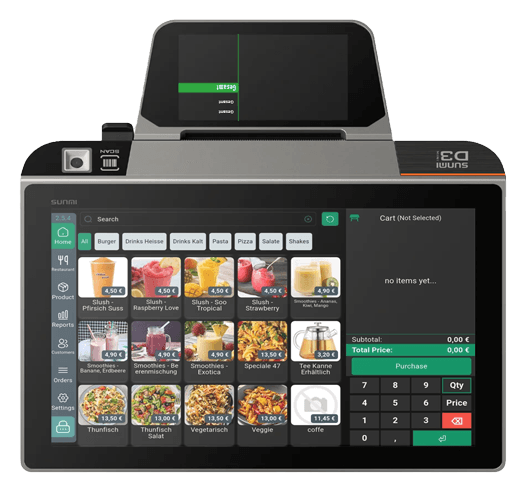
For small restaurants and takeaways: an Android cashier that rings the order, sends it straight to the kitchen printer, and handles dine-in tables or takeaway tickets, with the screen system and reports linked in.
The setup, device by device
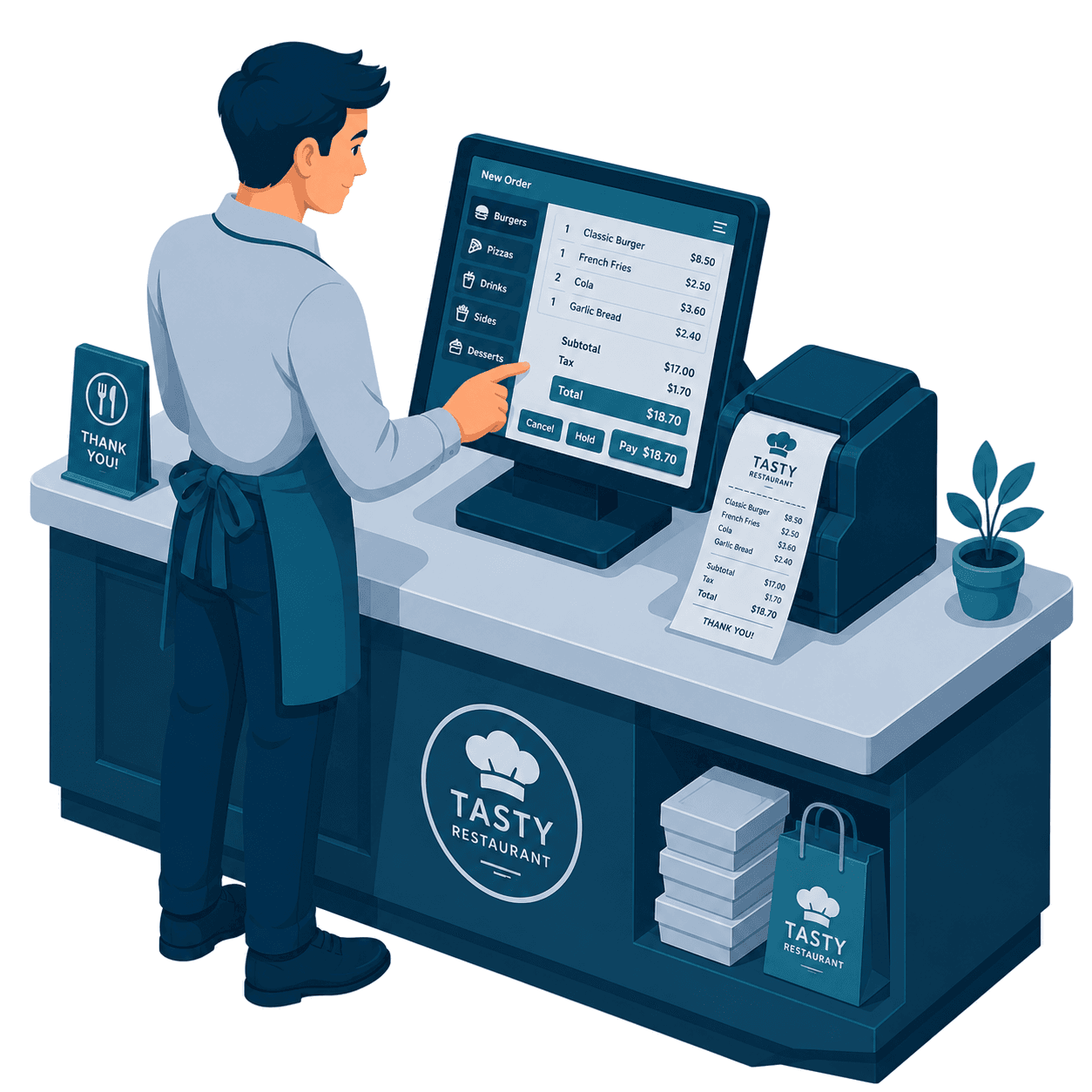
Closing the sale at the counter
Tap any marked device to see what it does and where it lives in the system.

Windows till
Dine-in, takeaway and delivery on one screen: number pad and cart on one side, categories and products on the other.
View the Windows POSReceipt printer
Customer receipt with a clean 19% and 7% MwSt breakdown, plus the kitchen ticket, from the same sale.
Hardware & add-onsTakeaway flow
Takeaway or dine-in in one tap, with an order number for the customer and a recall list for reprints.
Small & takeaway tierOne connected system
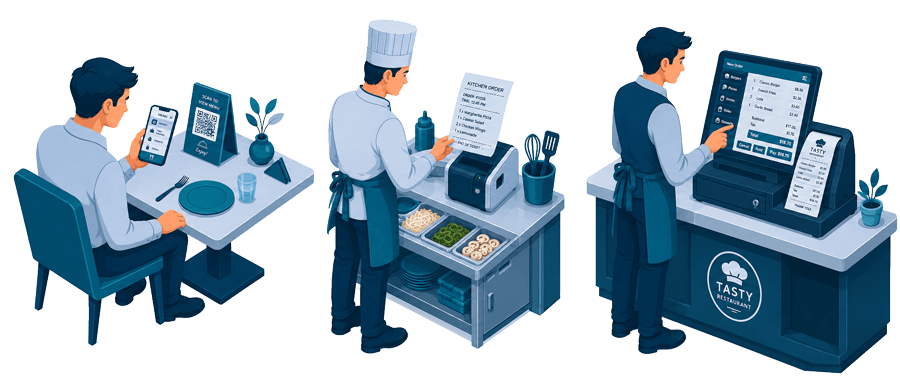
One order, from the table to the counter
Tap any marked device to see what it does. The moving dots show where the order travels next.

The guest scans and orders
Your live menu opens in the guest browser, no app to install. What they send becomes the same ticket your staff work on.
QR table orderingKitchen ticket at the pass
The order prints the moment it is sent, grouped by station with modifiers spelled out, so nothing is retyped or shouted.
Kitchen display & printerThe till closes the bill
Cash, card and split payments close the ticket the guest opened, with a compliant receipt and a clean day-end.
View the Windows POSRing it, and the kitchen ticket prints
Take the order on the Android till, dine-in or takeaway, and it fires straight to the kitchen printer, with the order number ready for the screen.
Open each step to see it in detail
A lean setup that gets the order to the kitchen the moment it is rung.
Fast Android cashierA photo-menu till non-technical staff pick up in minutes.
A photo-menu till non-technical staff pick up in minutes.
- Products under categories, one-tap add
- Runs on a Sunmi handheld or tablet
- Cash, card and split payments
- Offline-resilient at the counter
Takeaway ticket flowNumber every takeaway order from order to pickup.
Number every takeaway order from order to pickup.
- Takeaway vs dine-in in one tap
- Order number for the customer
- Print a customer receipt + kitchen ticket
- Recall and reprint any order
Table ordering, simplifiedBasic table areas for small dine-in rooms.
Basic table areas for small dine-in rooms.
- Simple table map for dine-in
- Open, add to and close a table
- Move or merge tickets
- Great for small rooms and counters
Cashier → kitchen printerOrders fire to a thermal kitchen printer instantly.
Orders fire to a thermal kitchen printer instantly.
- Send straight from the till to the kitchen
- Route items by station
- No paper chits handed back
- Optional kitchen tablet instead of paper
Screen system, linked inAdd customer menu boards or an order-ready screen.
Add customer menu boards or an order-ready screen.
- Menu boards from the same catalog
- Optional order-ready pickup display
- Runs as its own system, linked in
- Turn it on when you need it
The restaurant stack, working as one
Orders taken at the table flow to the kitchen, appear on customer screens and land in the same reports, no re-keying, no disconnected apps.