
Guests scan, order, and it lands on the waiter app.
A QR code on every table opens your live menu on the guest's phone. They browse, order and, if you like, pay. The order arrives on the waiter app and fires to the kitchen, from the same catalog you already run.
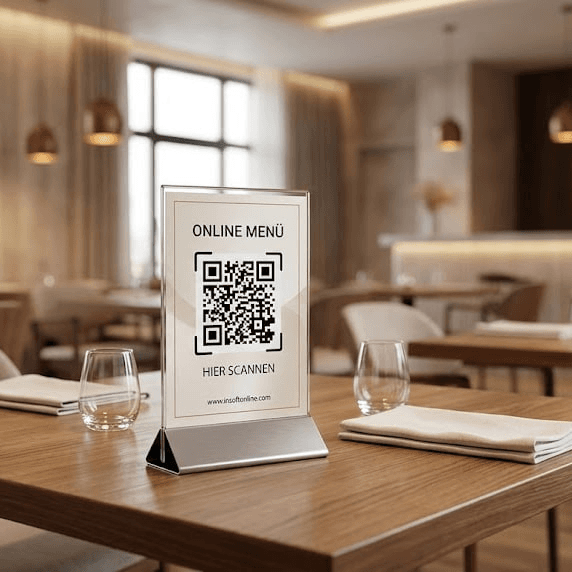
The setup, device by device
The guest orders from their own phone
Tap any marked device to see what it does and where it lives in the system.
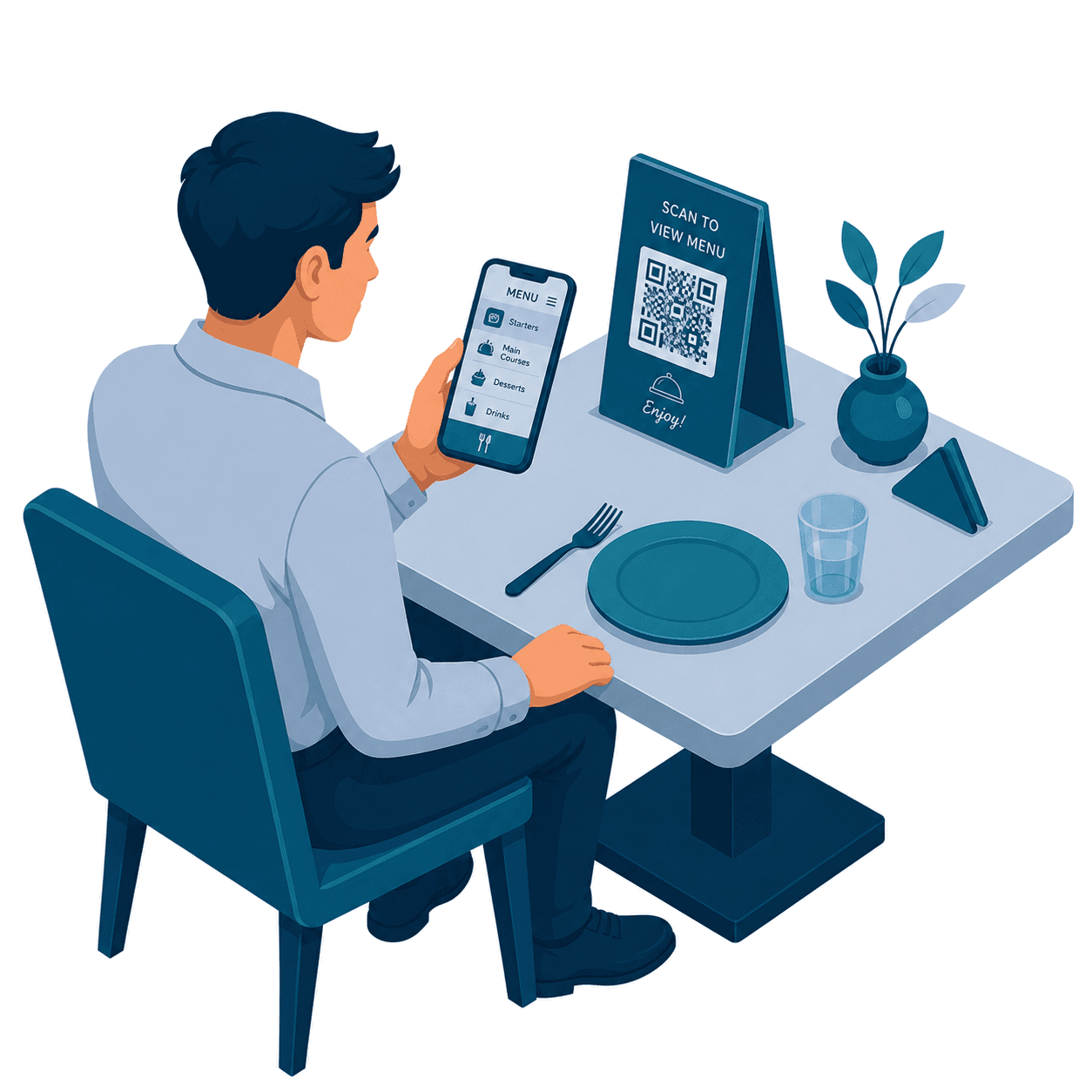
Menu in the guest browser
No app to install. The code opens your live menu with photos, categories and modifiers, in German, English or Arabic.
Learn about QR orderingQR table tent
A unique code per table or seat, so the order that arrives already knows where it came from. Reprint the codes any time.
Learn about QR orderingStraight to waiter and kitchen
The order lands on the waiter app and fires to the kitchen printer or display. Staff can review before sending, if you prefer.
Explore Kitchen DisplayScan to kitchen
Four steps, no app to install
Scan the table code, browse the menu, place the order, and it appears on the waiter app and the kitchen at once.
Everything it does
Open each step to see it in detail
The restaurant stack, working as one
Orders taken at the table flow to the kitchen, appear on customer screens and land in the same reports, no re-keying, no disconnected apps.