
Put your whole floor in your waiters' hands.
The Android waiter app for restaurants running on InSoft Restaurant. Take orders at the table, change them on the fly, and send only what changed to the right kitchen or bar printer, never duplicate tickets to every station.
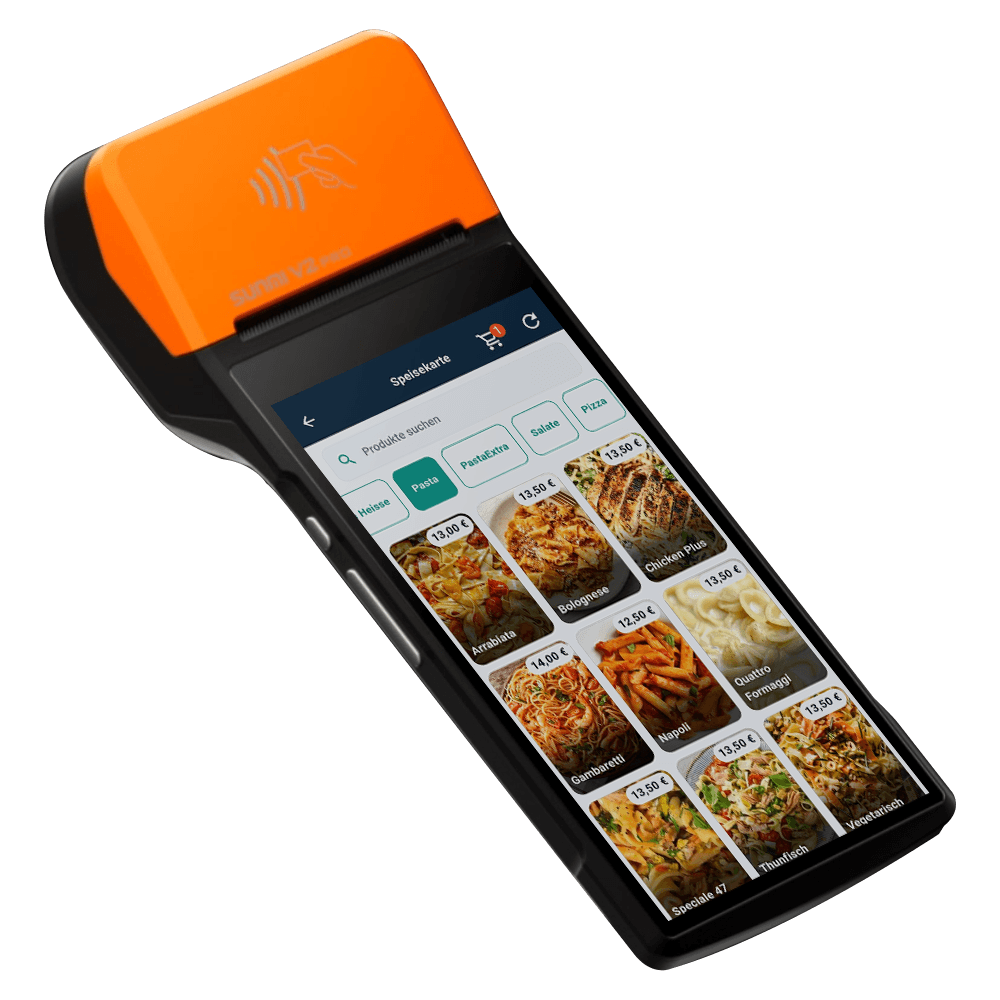
The setup, device by device
Taking the order at the table
Tap any marked device to see what it does and where it lives in the system.
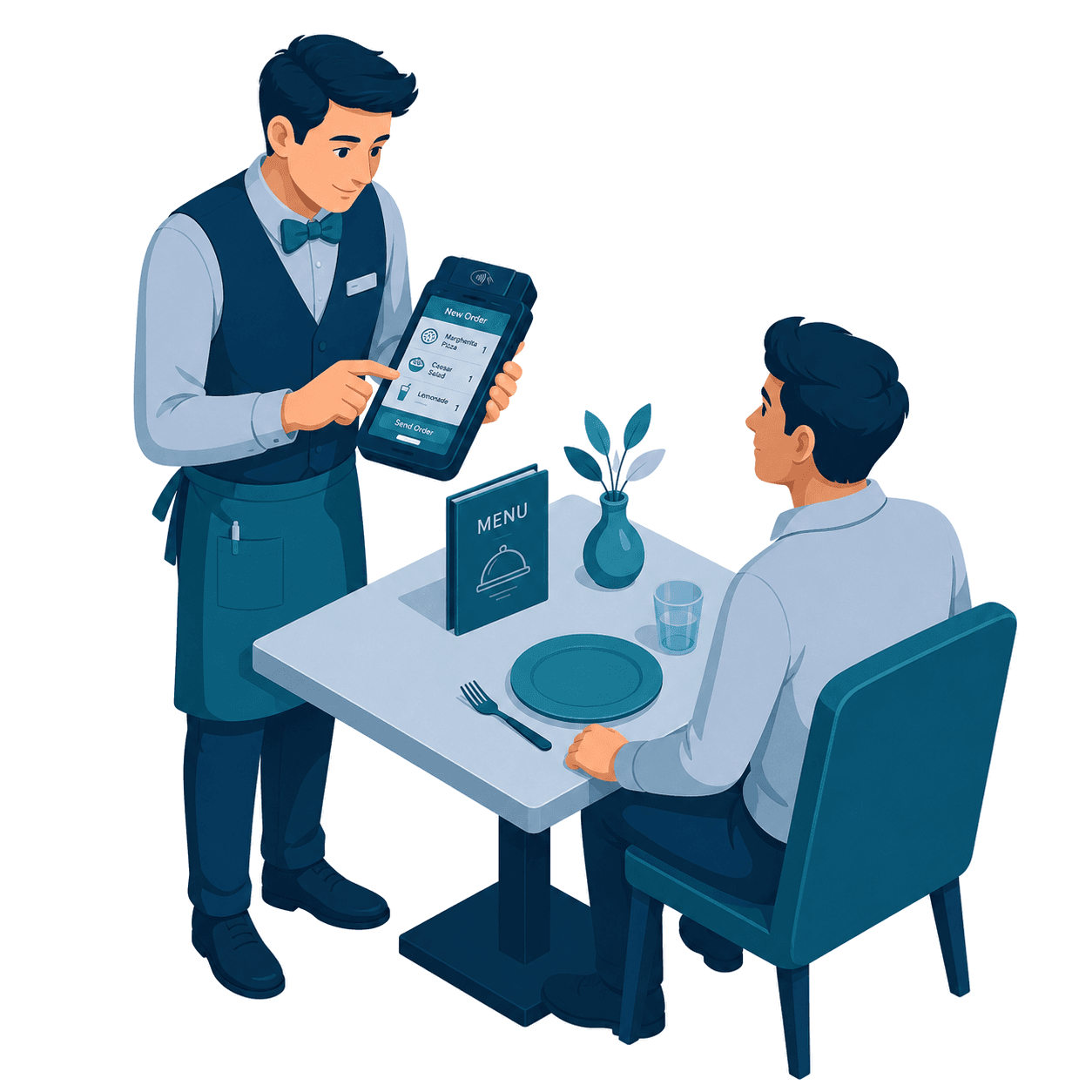
Handheld waiter POS
The waiter takes the order beside the guest: photo menu, modifiers, seat numbers, then fires it straight to the kitchen.
Explore the Waiter AppYour printed menu, mirrored
The catalog on the handheld is the same one behind your printed menu, QR menu and till, so a price change lands everywhere at once.
Product ManagementTable and seat awareness
Every ticket is bound to an area, a table and a seat, so splitting a bill or reopening a round is a tap, not a puzzle.
Restaurant solutionWhy InSoft
Less walking. Cleaner kitchen tickets. Orders that stay in sync with the floor.
Fixed terminals keep waiters walking. Generic apps don't understand your floor plan, your kitchen stations, or what actually changed when a guest adds one more pizza. InSoft is built for full-service restaurants.
Tableside ordering
Order standing at the table on phone or tablet, no trip back to a wall terminal, so tables turn faster.
Quieter kitchen
The bar doesn't re-print the whole ticket for a food-only change, only the station that owns an item hears about it.
One place to manage it
One licence, remote printer setup and over-the-air updates across every device on the floor.
How it works
Tableside service in four steps
Log in & pick layout
Sign in with email; choose phone (portrait) or tablet (landscape). Licence validates automatically.
See the floor
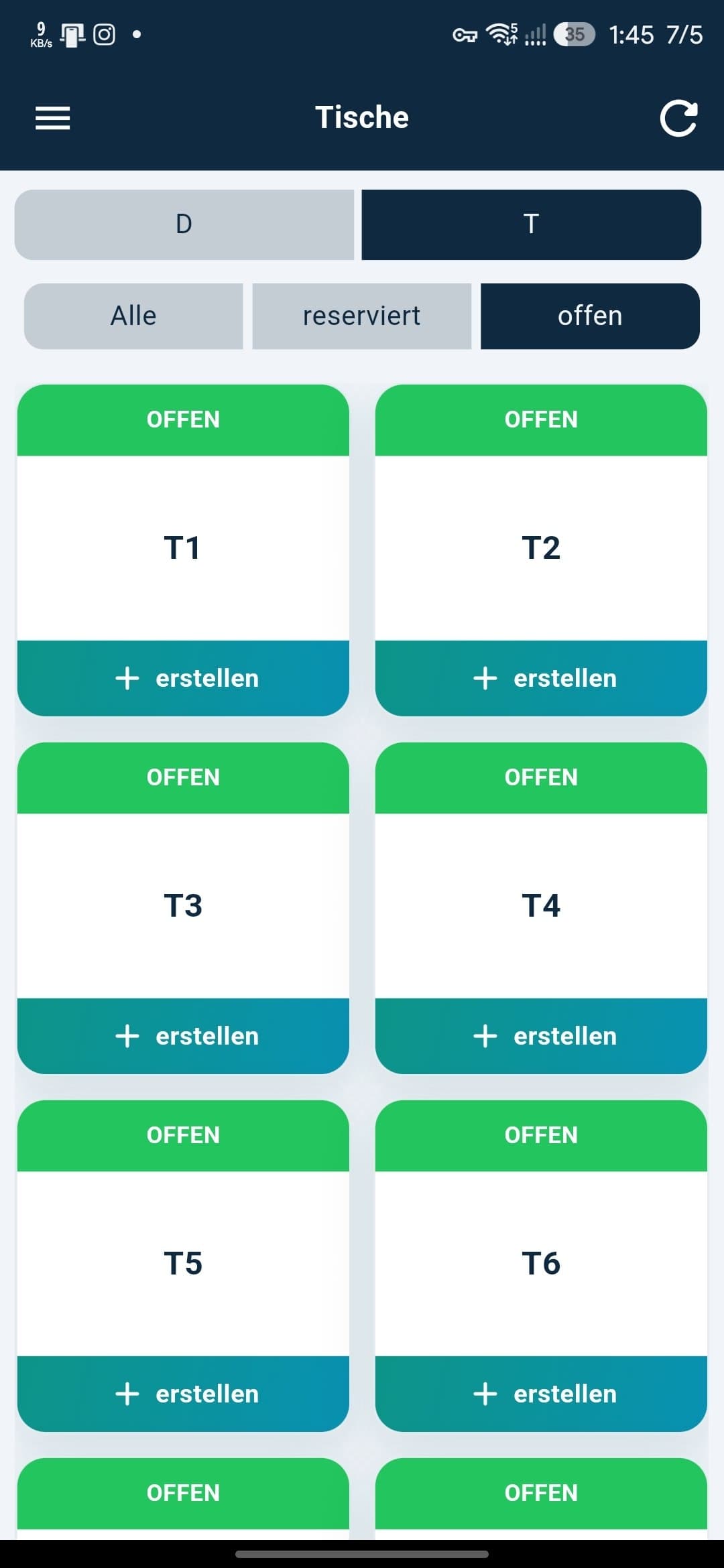
Open, reserved and all tables across floors. Colour-coded status and elapsed timers. Pull to refresh.
Order & edit at the table
Search products, add to cart, add per-item notes, adjust quantities. Send new orders or resend edits.
Print where it matters
Sunmi device receipt or network tickets to ESC/POS printers, ask, print everywhere, or auto-route by category.
Floor & tables
Real-time floor & table control
Every table across multiple floors, colour-coded by status. Switch floors in one tap, open a ticket in a tap, and keep the map live with pull-to-refresh or auto-update.
- Open, reserved & all viewsThe three filters waiters actually use during service.
- Colour-coded status & live timersRead the room without squinting at small text.
- Configurable reserved-table tapOpen order view first, or jump straight to edit.
The feature that saves paper & mistakes
Smart kitchen & bar printing
Assign POS categories to each printer, and one order fans out to the right station, grill, bar and cold prep each get only their items.
One order · Table 4
Edit an order without kitchen chaos
Change 2 pizzas to 3 and the food printer gets the pizza change, the bar prints nothing. Remove a cola and the bar prints a clear removal (STORNO), not a silent zero. Category filtering applies on edits too, so "print everywhere" mode still won't spam the bar with food-only changes.
Inside the app
Fast ordering, live edits, one app to run
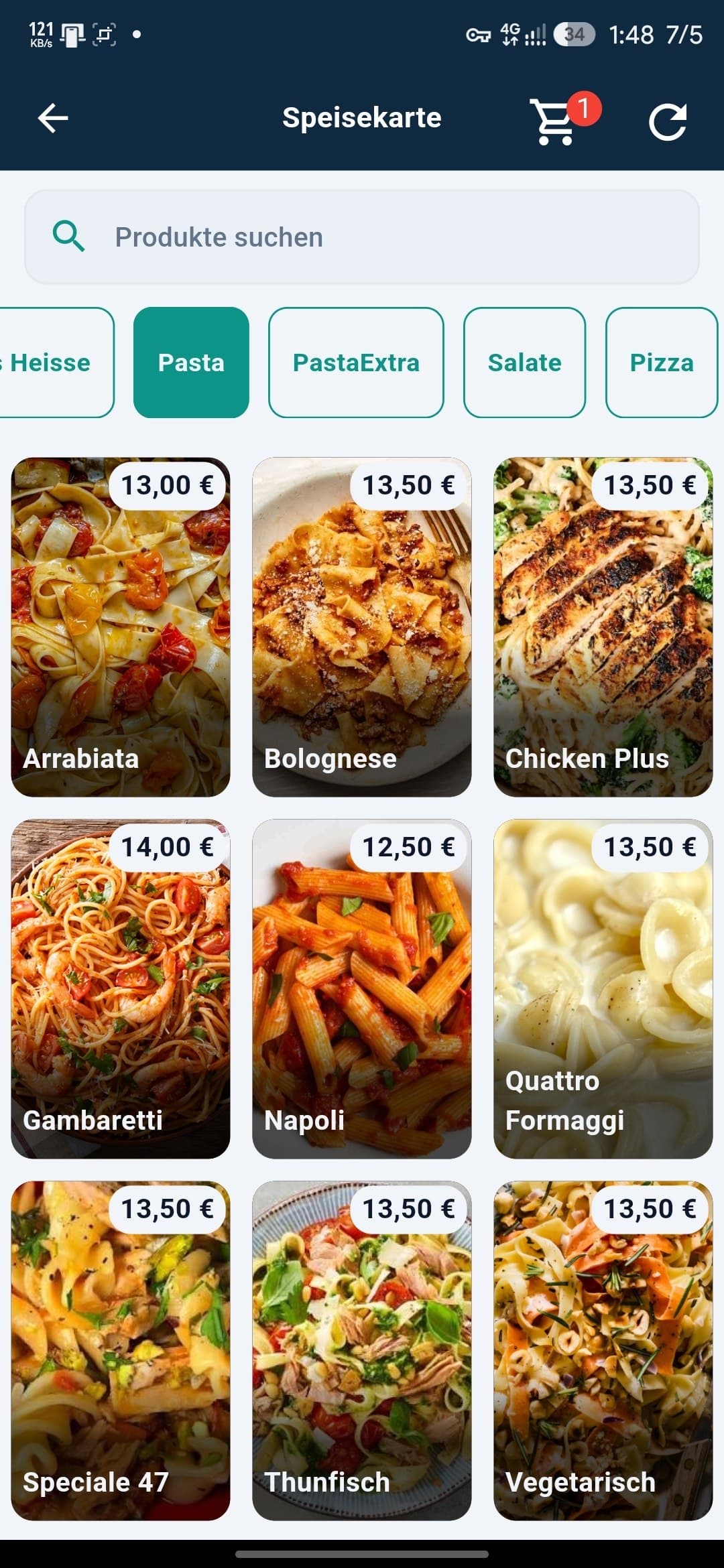
Fast menu ordering
Browse categories, search the whole menu by name, and tap product tiles with photos and prices into the cart. Categories with no match hide automatically.
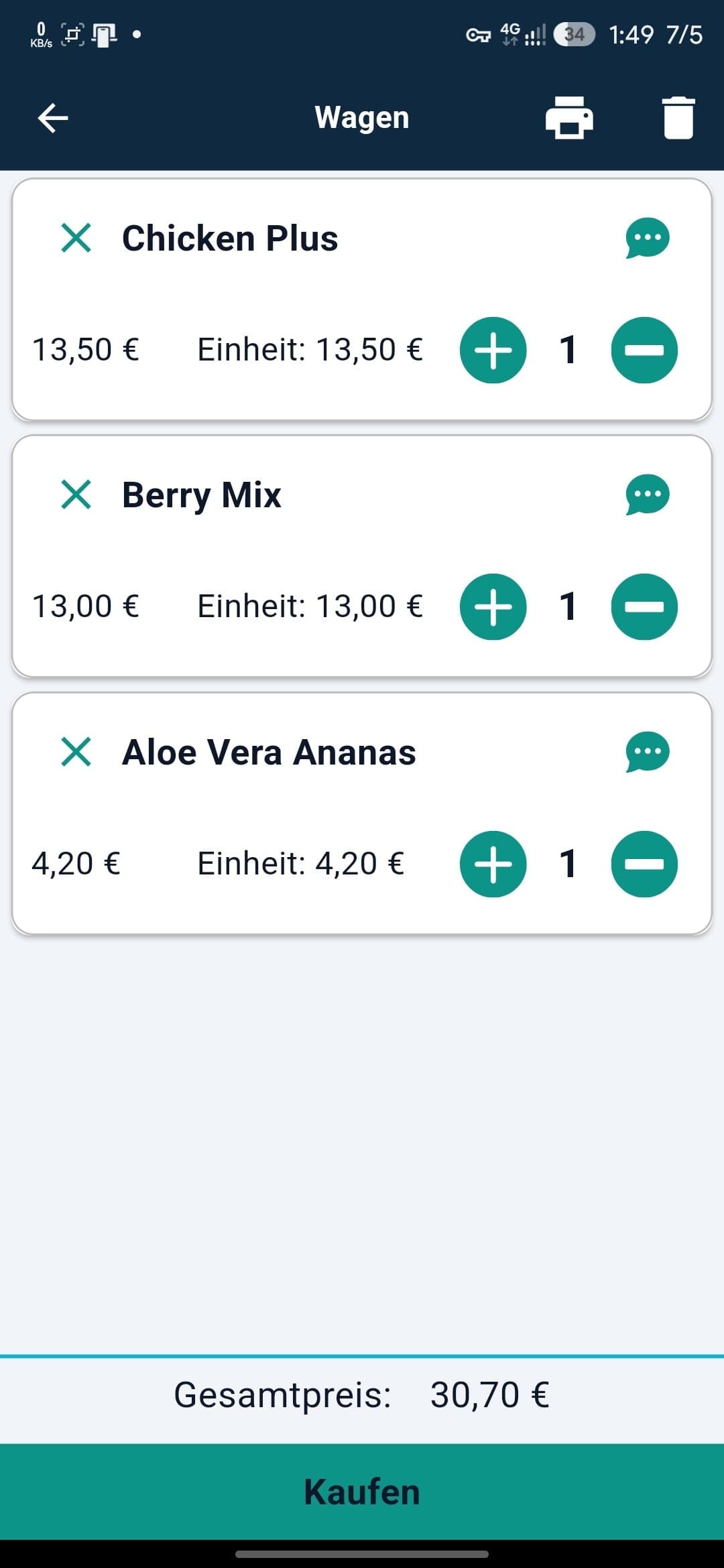
Cart built for service
Adjust quantities, add per-item notes for allergies or prefs, print a cart preview, then send. Failed sends retry automatically.
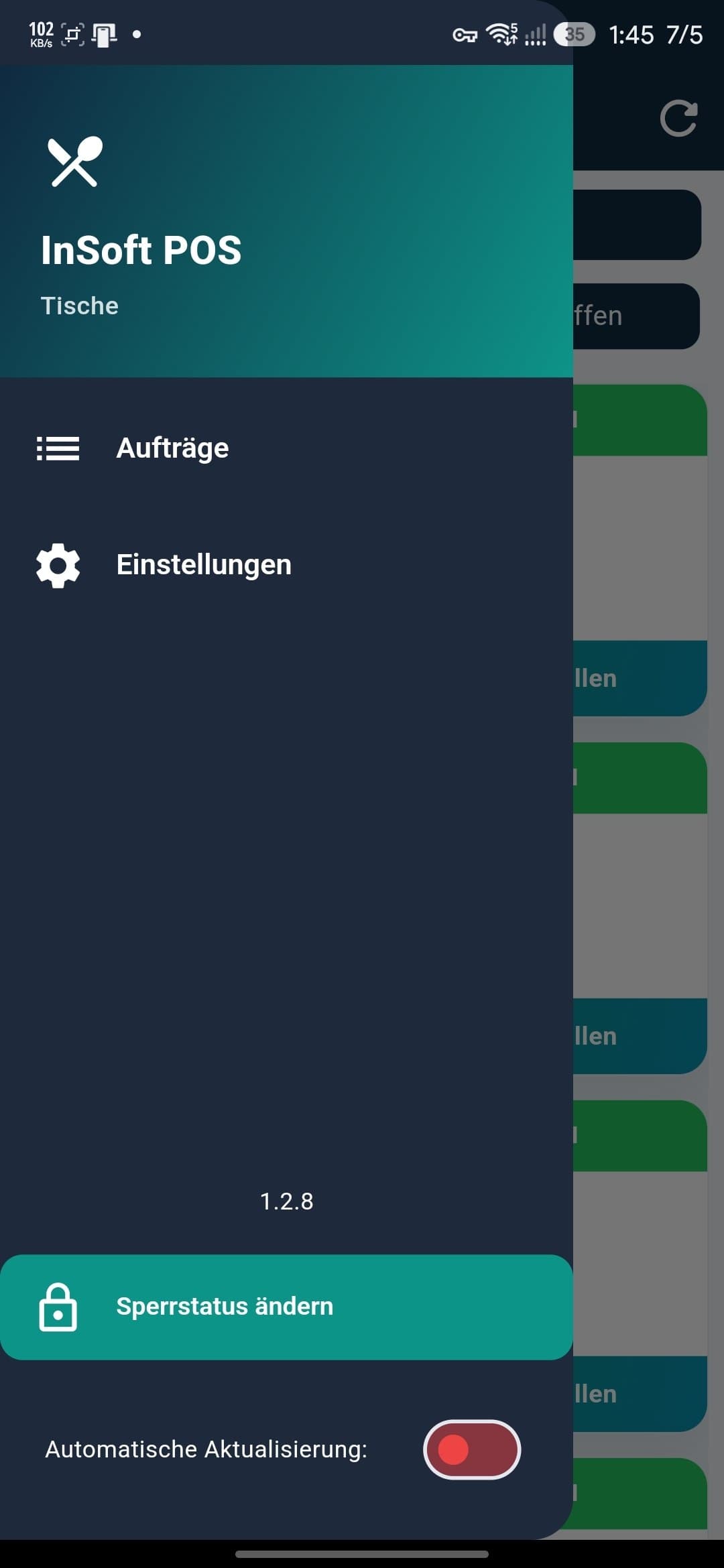
Orders, settings & kiosk lock
Jump to the order log or settings, flip auto-update, and lock the device to the app with Sperrstatus for kiosk use.
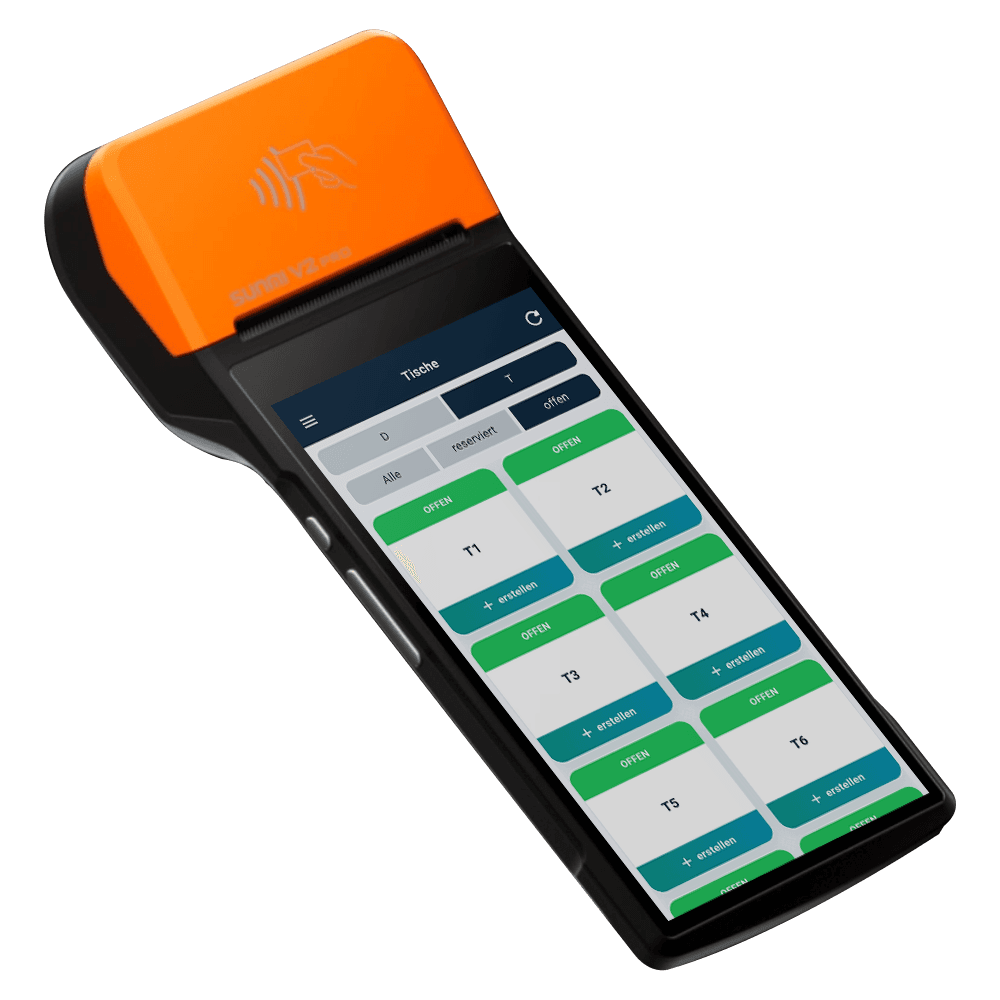
Devices & reliability
One app. Phone in pocket or tablet on the stand.
Same backend, same printers, same licence, pick portrait or landscape per device at first launch, rotate later in settings. Sunmi devices get native thermal printing; any Android tablet or phone uses network printers.
FAQ
Frequently asked questions
No, it's a waiter / floor app that works with the InSoft Restaurant backend. It extends service to the table; your central POS and reporting stay in the InSoft ecosystem.
Ready to speed up your floor?
Tell us about your restaurant and we'll set up the waiter app around your floor plan, menu, kitchen stations and printers.
The waiter app is part of the restaurant stack
Tableside orders flow into the same system that runs your kitchen, your menu screens, your till and your reports, one order, everywhere it needs to be.