Skip to content
InSoftOnline
Tier 02 · Windows till

A full Windows checkout, with a screen your customer can read.

Everything in the small tier, on a proper Windows till — plus a customer-facing display and the ability to hold one sale, serve the next customer, and recall it in a tap.

Windows till with a customer-facing display
Customer display
They see the total
Hold & recall
Serve two at once
Scales
Counter + produce
Payments
Terminal integrated

The setup, device by device

One system that help you work faster

Tap any marked device to see what it does and where it lives in the system.

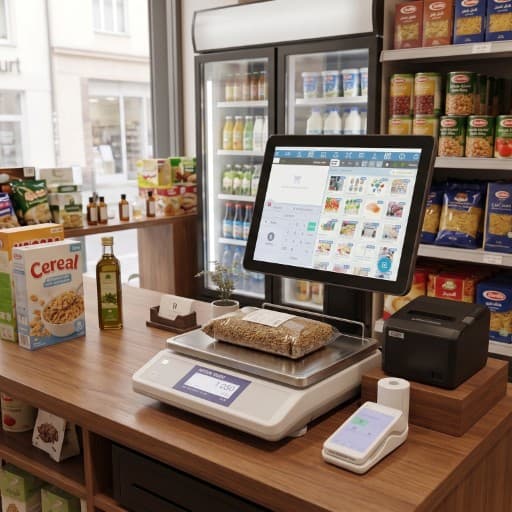
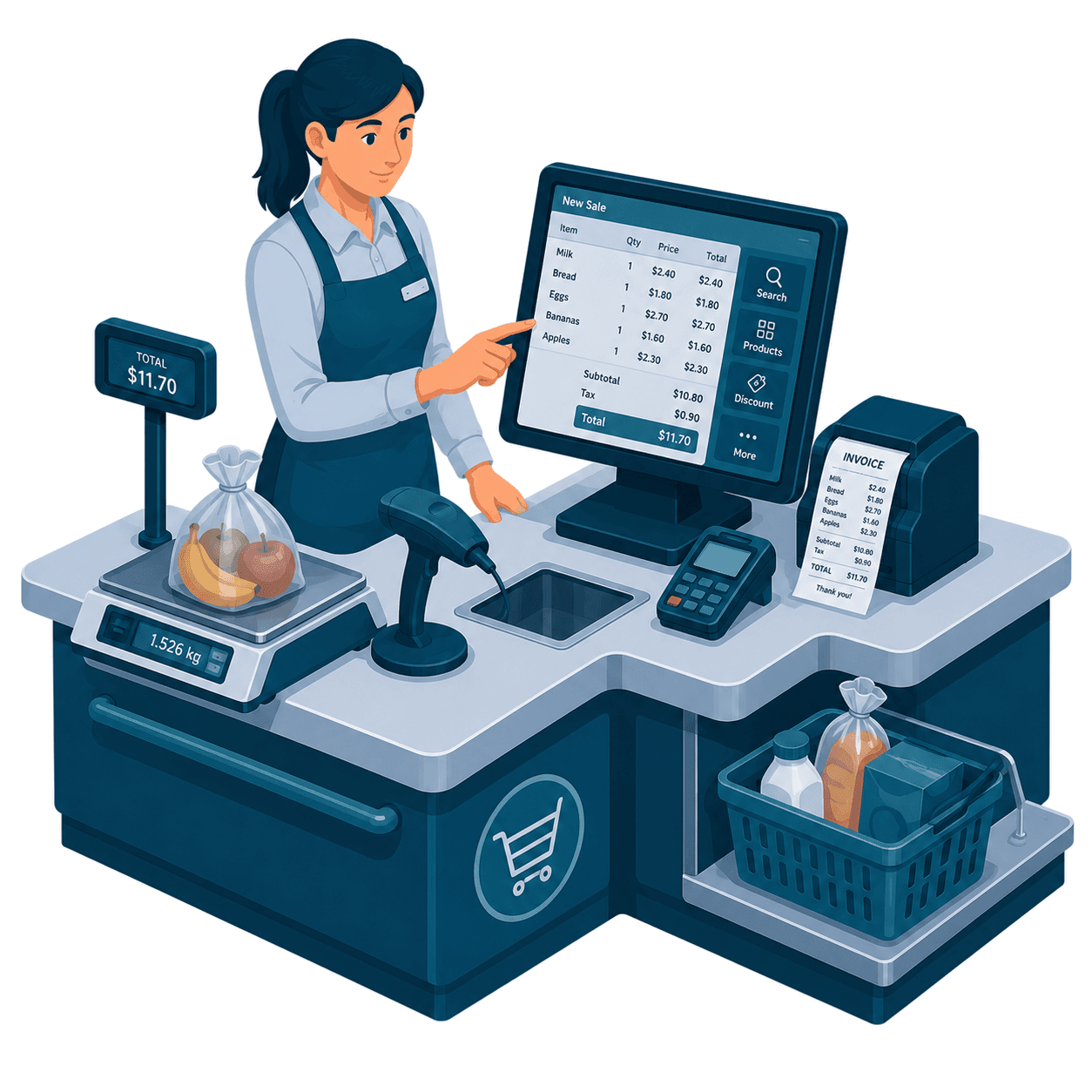
A supermarket checkout counter with scale, scanner, card terminal and customer display

Serve two people at once

Hold a sale, serve the next, recall it

When a customer forgets something or a queue builds, park the open cart, ring the next person through, and bring the first sale back exactly as it was — nothing re-scanned.

  • Park an open cart in one tap
  • Serve the next customer without losing a line
  • Recall the held sale exactly as it was
  • No re-scanning, no re-keying totals
ACTIVE SALEHELDCart · Customer ACart · Customer BHold → serve next → recall — nothing re-scanned
Two kinds of barcode

A fixed label, or a weighed one — the till knows which

Packaged goods carry a plain product barcode. Produce and deli items get a weighed label whose barcode also carries the price — the scanner splits it back out automatically.

Fixed barcode

Scanned, one tap

Every packaged product has one barcode. Scan it and it drops into the cart at its set price.

4006381 333931Cola 330ml€1.20
Weighed label

Weight & price, decoded

The scale prints a label whose barcode hides the item, weight and price. The scanner reads it and splits the parts back out.

Tomatoes27 00123 01840 6WEIGHT0.840 kgPRICE€1.84

Add-ons that plug straight in

Scales, a label handheld and card terminals

Connect a counter scale for produce, an external meat & vegetable scale, the Product-Management handheld for shelf labels, and a card terminal — all talking to the same Windows till.

Counter & produce scales
Weigh at the till; price drops into the open sale.
Label handheld
Print shelf labels and change prices on the spot.
Card terminal
Total sent automatically; receipt on approval.
Reports linked
Every sale closes cleanly into the Reports app.
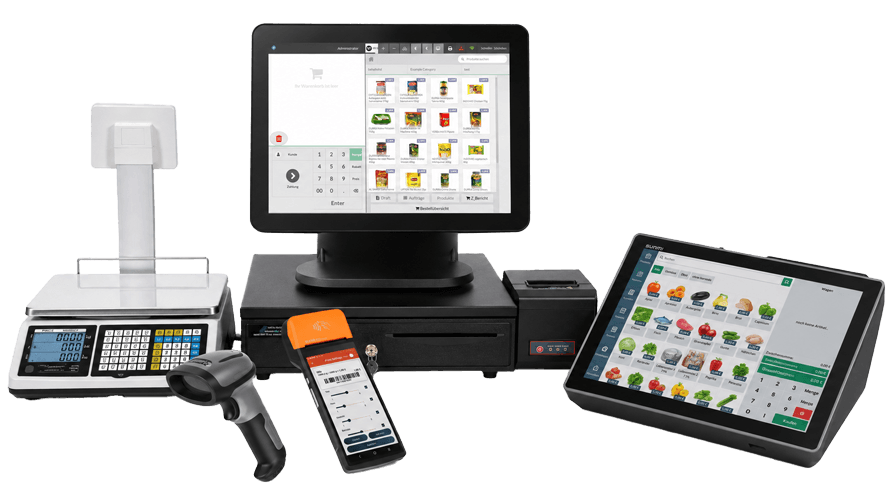
InSoft POS system with Windows till, produce scale, label handheld, scanner and tablet.
What you get

Open each step to see it in detail

A full Windows lane, with the customer-facing screen and multi-customer handling that busy counters need.

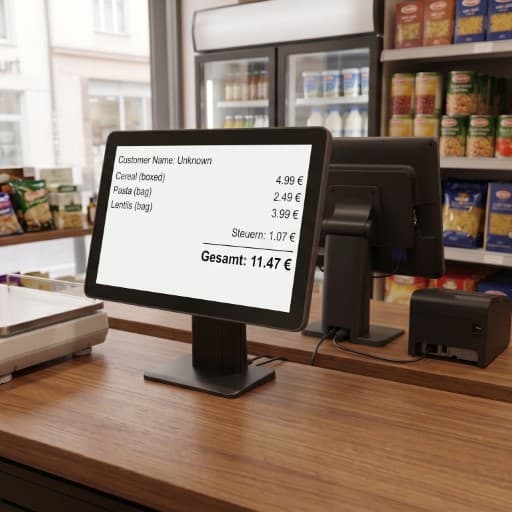
Customer-facing displayA second screen shows the customer every item and the running total.

A second screen shows the customer every item and the running total.

  • Live line items and running total
  • Shows change due and payment confirmation
  • Your logo and promos between sales
  • Builds trust — nothing hidden at the till
Photo — customer display facing the shopper
Counter & produce scalesWeigh at the till; weighed labels decode automatically.

Weigh at the till; weighed labels decode automatically.

  • Counter scale integrated with the sale
  • External produce & meat scales supported
  • Weighed labels split into weight + price
  • Same catalog as the label handheld
Screenshot — weighing at the Windows till
Labels & pricingManage products and print shelf labels from the orange handheld.

Manage products and print shelf labels from the orange handheld.

  • Print shelf and product labels
  • Change a price once, till updates
  • One product list across the store
  • See the Product Management page
Screenshot — Product Management labels
Payment devicesCard terminals wired to the sale total.

Card terminals wired to the sale total.

  • Total sent to the terminal automatically
  • Receipt prints on approval
  • Cash and card close into Reports
  • No amounts typed by hand
Photo — card terminal at the Windows till
One connected system

Retail checkout wired to labels, scales and reports

Every till, handheld labeler and scale reads the same catalog, so shelf prices and receipts never drift.

This product
InSoft Coreone database
Everything else
One database
One login
Real-time sync across every module
See the full ecosystem