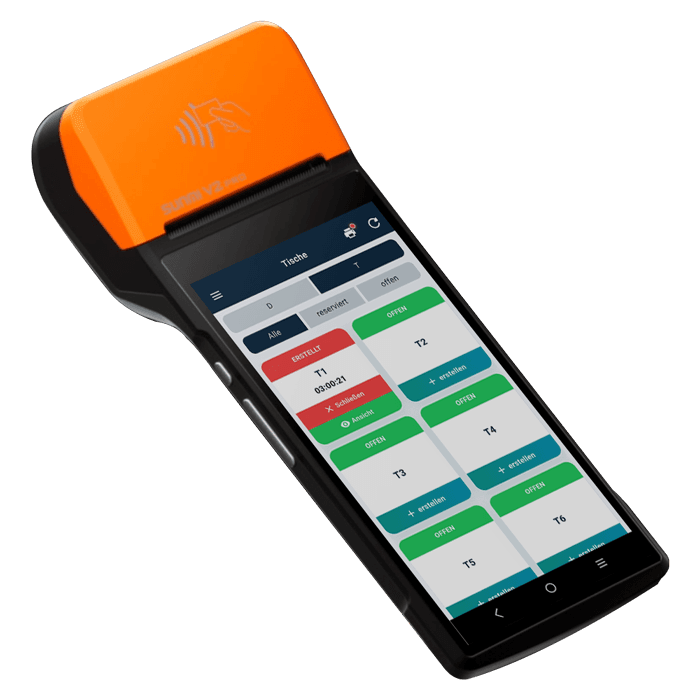
The whole floor on one live order, table to kitchen to till.
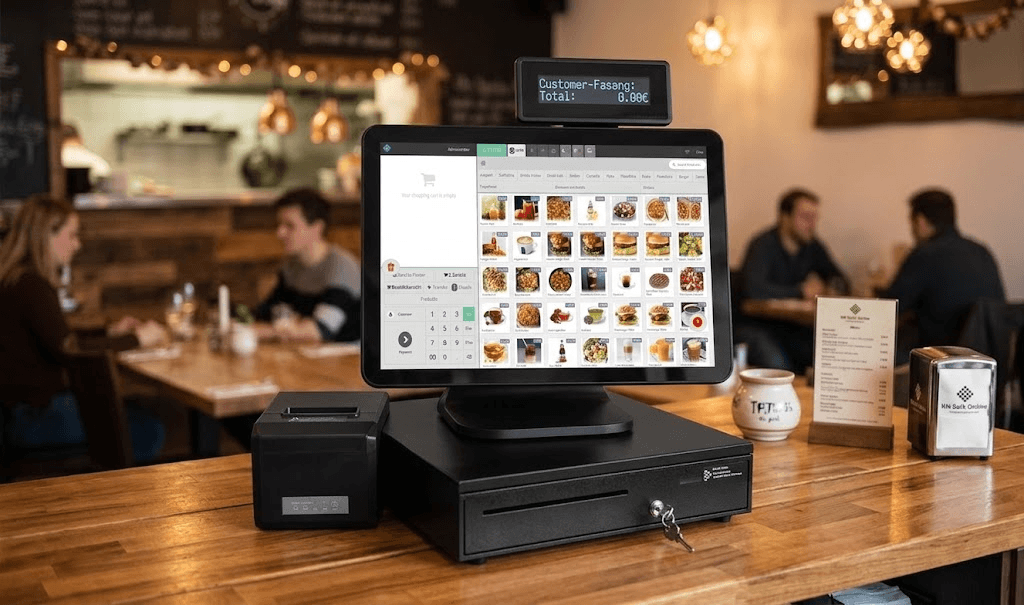
For medium and large restaurants: a Windows sales POS at the heart, waiter app and order tablets on the floor, QR ordering at the table, a kitchen printer and kitchen tablet at the pass, and a customer order-ready screen, every part sharing one order.
The setup, device by device
Floor to kitchen, on one live order
Tap any marked device to see what it does and where it lives in the system.

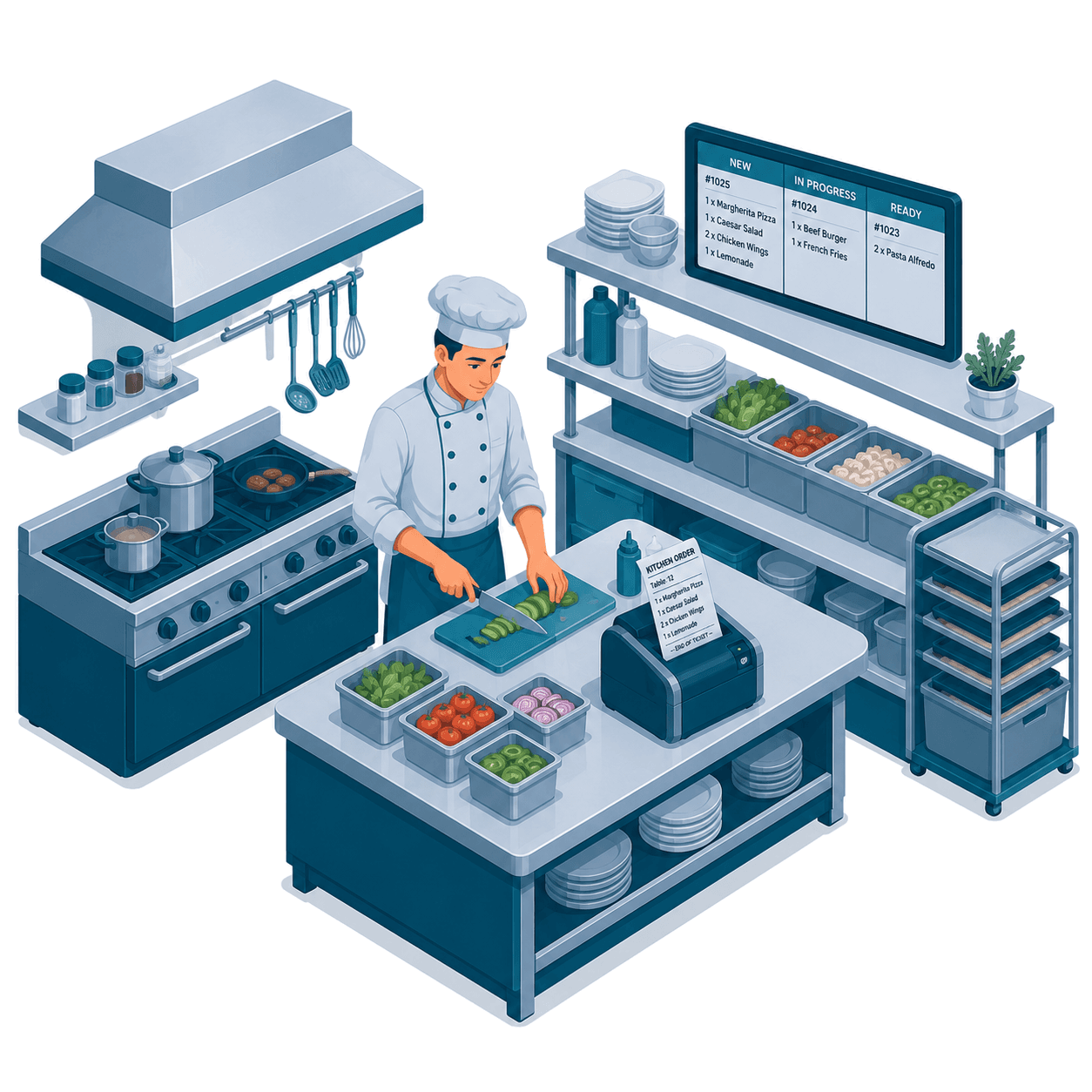
Order display over the line
The whole kitchen reads the same board: what is new, what is cooking, what is ready to leave.
Explore Kitchen DisplayOrder printer on the bench
A thermal ticket for stations that prefer paper. Screen and printer can run side by side in the same kitchen.
Kitchen hardwareStation routing
Items are routed to the station that cooks them, so the grill is not reading the salad list.
Medium & large tierOne connected system
A full-service venue on one live order
Tap any marked device to see what it does. The moving dots show where the order travels next.

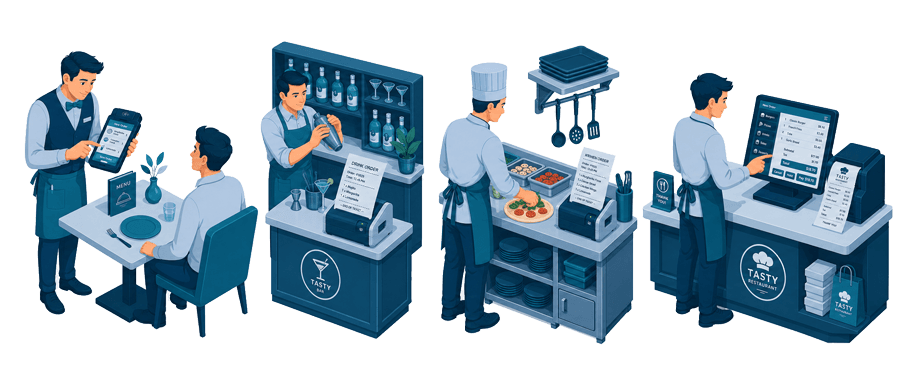
Waiter takes it at the table
Photo menu, modifiers and seat numbers in hand. The order is filed against the table before the waiter walks away.
Explore the Waiter AppThe bar gets its own ticket
Drinks route to the bar printer while food routes to the kitchen, so neither station reads the other list.
Kitchen display & printerKitchen works in parallel
Grill, cold and dessert each see only their items, with timers per ticket so the pass plates a table together.
Medium & large tierMain till and receipt
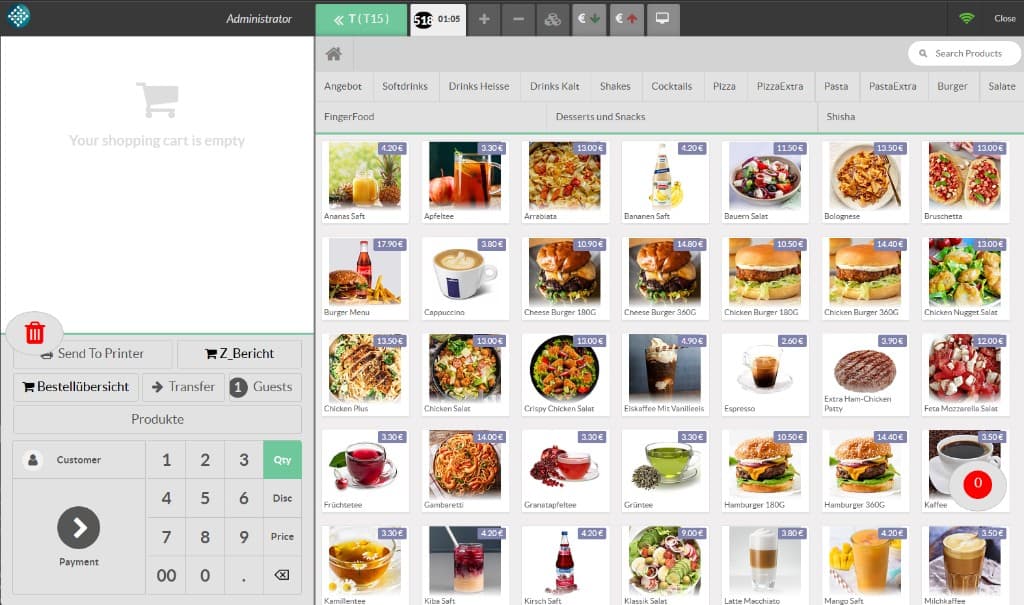
Every open table is visible at the counter: split, transfer, discount and close, all on the same running ticket.
View the Windows POSEvery station on the same order
The table (waiter or QR) opens the order, the kitchen fires it, the order-ready screen calls it, and the Windows till closes it, nothing re-keyed between stations.
Open each step to see it in detail
Every station on the floor writes to the same order, from the guest’s phone to the Z-Bericht.
Waiter app + order tabletsTake orders table-by-table on a phone or tablet.
Take orders table-by-table on a phone or tablet.
- Order by area and seat from a photo menu
- Fire straight to the kitchen
- Reopen, edit and reprint any ticket
- Works on phones and larger order tablets
QR ordering at the tableGuests scan and order from their own phone.
Guests scan and order from their own phone.
- A QR code per table opens the live menu
- Guest orders land on the waiter app + kitchen
- Fewer trips for staff at busy times
- Same catalog and prices everywhere
Kitchen printer & kitchen tabletTickets print at the pass, or show on a kitchen tablet.
Tickets print at the pass, or show on a kitchen tablet.
- Fire orders to a thermal kitchen printer
- Or a kitchen tablet with live tickets & timers
- Route by station, grill, cold, drinks
- Nothing lost between floor and pass
Customer order-ready screenOptional display that calls order numbers when ready.
Optional display that calls order numbers when ready.
- Show preparing vs ready order numbers
- Great for counters and takeaway pickup
- Runs from the same live orders
- Optional, turn it on if you need it
Back office, products, expenses & reportsEdit the menu, log expenses, read the numbers.
Edit the menu, log expenses, read the numbers.
- Edit products and prices from the office
- Record expenses against the day
- TSE Z-Bericht and category reports
- Companion product-edit & reports apps
Electronic payment integrationCard terminals wired straight into the bill.
Card terminals wired straight into the bill.
- Total sent to the terminal automatically
- Receipt prints on approval
- Split and part-payments supported
- Cash and card close cleanly
The restaurant stack, working as one
Orders taken at the table flow to the kitchen, appear on customer screens and land in the same reports, no re-keying, no disconnected apps.